QR code menu · Multilingual restaurant menu · Table ordering
The easiest way to introduceyour menu to foreign diners
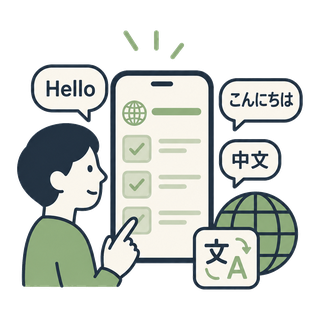
Put a QR on your menu or table and diners see the menu in their own language and ask about allergens, spice, ingredients, and recommendations. As the owner, you only register the menu in your own language.
No app install · Auto-register from a menu photo · 14-day free trial
100+
Languages
24/7
Auto-answers
1 QR
No app to install
This is the real diner screen. Change the language or tap a dish.
Three things MarketMate does
Tap a card to jump to that feature
What restaurant owners deal with every day
Foreign diners are welcome,
but explaining the menu isn't always easy.
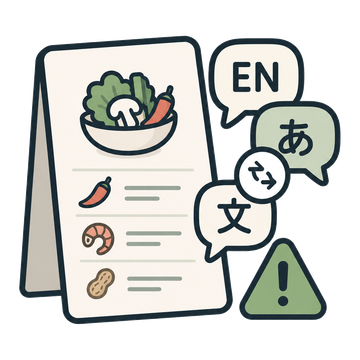
Explaining the menu in another language is hard
Ingredients, spice level, how to eat it — and especially allergens — are hard to convey by gesture. Get it wrong and you may serve food someone can't eat, leading to complaints and bad reviews.

Hiring multilingual staff is a stretch
Keeping staff who can handle English, Japanese, and Chinese diners is costly. During the rush, owners gesture through it and sometimes lose the order.
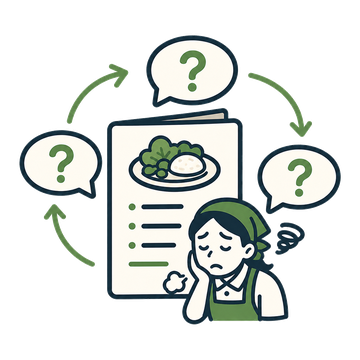
You answer the same questions over and over
“Is this spicy?”, “Does it have pork?”, “Do you have vegan options?” come from every foreign diner. During the rush, just answering is overwhelming.
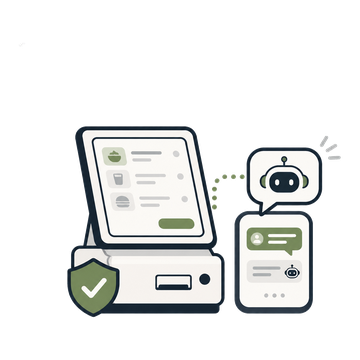
You don't want to replace your POS or kiosk
You want to keep your POS and ordering system as they are. What a restaurant needs isn't a big system swap — it's a light tool that fields menu questions first.
🇺🇸 ⇄ 🌏
Even without speaking a foreign language,
you can serve foreign diners.
Diners ask in their own language, and you only ever register the menu in yours. You can guide foreign diners without keeping separate English, Japanese, or Chinese staff.
※ Prices and allergen labels are shown as-is, and dish names keep the original alongside — to prevent wrong orders.
Just put a QR on the menu
You register the menu,
diners ask right from the QR
Register your dishes, prices, and allergens once, and diners scan the menu QR to read the menu in their own language and check before ordering.
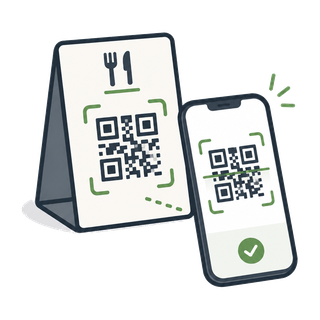
Scan the menu QR
When a diner scans the QR on the menu or table, the menu opens in their language.
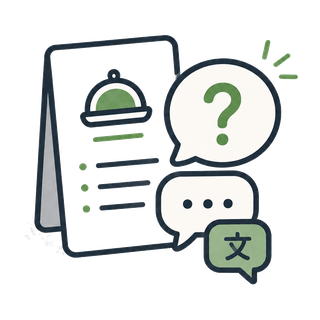
Ask about a dish
“Is this spicy?”, “Does it have pork?” — diners ask before ordering, in their own language.
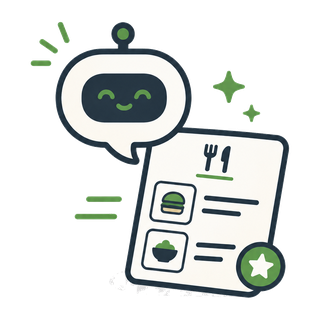
AI answers instantly
Based on your registered menu, the AI replies in the diner's language and recommends dishes.
Each diner's language is detected automatically, and the menu is shown in that language.
보리 식당
Table 5
— Each diner's language is detected automatically, and the menu is shown in that language. —
contains pork. Want a milder, pork-free option?
보리 식당
Table 7
— Each diner's language is detected automatically, and the menu is shown in that language. —
卵を抜いてご用意することもできます 😊
Prices and dish names keep the original alongside the translation, so diners can order exactly — fewer wrong orders.
Understanding the menu means bigger orders
Diners who understand the menu
order with confidence — and order more.
MarketMate goes beyond translation — it explains the taste, ingredients, how to eat a dish, and what pairs well, in the diner's own language. Diners order more confidently, and you win more sides, drinks, and recommended dishes.
Without help
- Orders only the one dish they recognize
- Skips sides and drinks
- Hesitates on unfamiliar items and gives up
With MarketMate
- Orders knowing the taste, ingredients & how to eat it
- Adds a recommended side or drink
- Tries one more dish from a pairing suggestion
One menu photo is all it takes
No need to type the menu in one by one. Just snap the menu.
Photograph your menu or upload a spreadsheet, and the AI reads the dishes and prices into a draft and even estimates allergens. You just review and register.
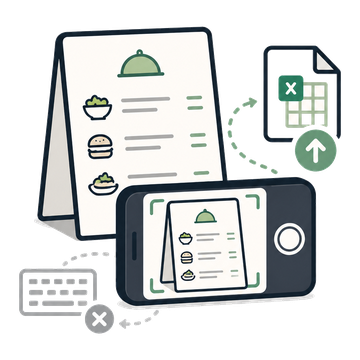
Snap the menu
Photograph your menu or upload a spreadsheet — no typing each line.
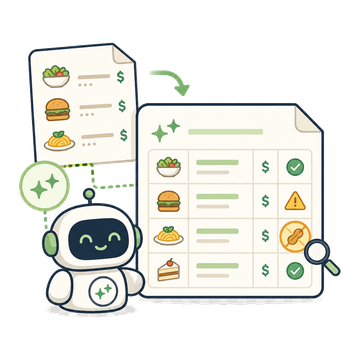
AI drafts it
It reads dishes and prices as-is, and estimates allergens from dish names, flagged as 'needs confirmation'.
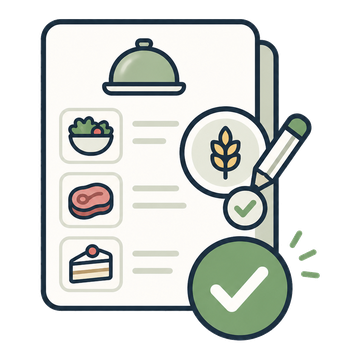
Just confirm
Skim, confirm the allergens, and register them all at once. The tedious menu entry is gone.
Menu photo · Spreadsheet
Running your restaurant gets easier
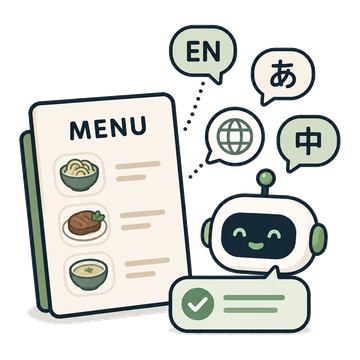
Resolve menu questions on the spot
Supports English, Japanese, Chinese and many more. Diners ask in their own language and get answers in it too.
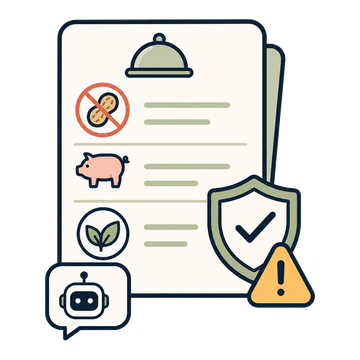
Allergen & dietary safety
Questions like peanuts, pork, or vegan are answered from your registered info. The AI never declares a dish 'safe' — it defers to staff, to stay safe.
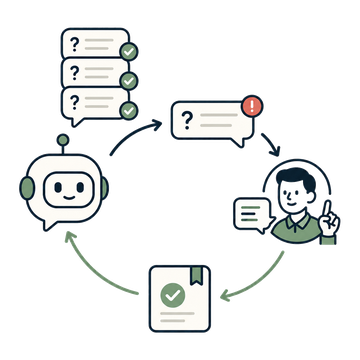
You only hear about what the AI doesn't know
Only the questions the AI can't answer come to you. Answer once, and it's handled for you next time.
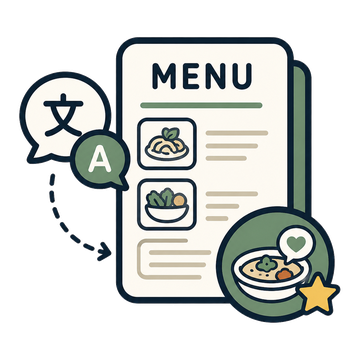
Multilingual menu + recommendations
Diners read the menu in their language and get dishes matched to their spice and dietary needs before ordering.
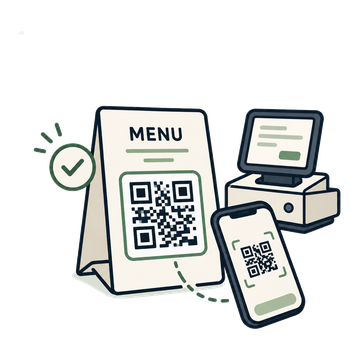
Start by just putting up a QR
Keep your POS and ordering system — just print the QR, stick it up, and you're live.

It leads to better reviews
Diners understand the menu right away, cutting wrong orders and the service burden and raising satisfaction.
Beyond diner service
The AI answers staff questions too
Where ingredients are, the closing-cleanup order, how to handle refunds… Register what new hires, part-timers, and foreign staff keep asking, and the AI answers for you. No more repeating the same explanations.

New and part-time staff get up to speed fast
No need to find someone to ask — they can check the registered guides anytime.
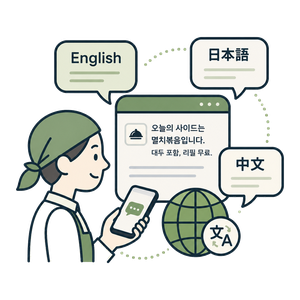
Foreign staff, in their own language
Register in Korean, and staff still ask and get answers in their own language.
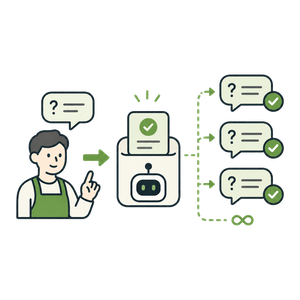
Teach it once, and you're done
Answer once and it's saved — no answering the same question again.
보리 식당
Staff guide · Staff
— Staff ask in their own language —
Contains soy; refills are free. 🥢
What the owner registered in Korean is delivered automatically in the staff's language.
Questions that used to reach you — the AI takes them first
For both diners and staff, repeated questions are handled by MarketMate AI instead of you. Only brand-new questions reach you.

Diner
Menu & store questions

Staff
How-to-do-my-job questions
MarketMate AI
Repeated questions are answered right here

You
Just answer the brand-new ones
Once you've answered a question, the AI handles it automatically from then on.
When an order comes in
Diner orders go
straight to your staff's phones
The dishes, quantities, and options a diner picks in their own language arrive in your language at the counter and on staff phones. Tap [Got it] and the diner's screen shows 'Order confirmed' — no language needed.
🧾 Order · English
Kimchi Stew (김치찌개) ×2
Option: less spicy
They browse in their language and send quantity and options.
🧾 Table 3
Kimchi Stew ×2 (less spicy)
👤 To: floor staff · order alerts
Kitchen gets orders only, floor gets everything — choose alerts per staff member.
🛎️ The staff have confirmed your order and are preparing it.
Staff replies arrive translated into the diner's language.
📱
A personal link, no app
Staff get alerts and confirm or reply from one link. Remove them from the list and it's cut off instantly.
🔔
Sound and voice at the counter
Keep the inbox open and new orders ring and are read aloud: 'Table 3, new order'.
💬
Reply in your language
Quick replies like '5 minutes' or 'sold out' reach the diner translated.
Pick only the features your restaurant needs
Not every restaurant runs the same way. Beyond menu guidance and ordering, MarketMate lets you turn on service requests like extra sauce, phone charging, takeout, and taxi calls — only the ones you need.

Extra sauce
Diners ask for soy sauce, chili paste, and more right from the QR — with the table number attached.
₩1,500/mo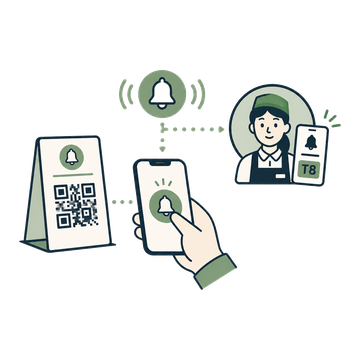
Phone charging
Travelers with a dead battery can ask to charge. The request button and screen appear in their language.
₩1,500/mo
Takeout / to-go
Take requests to pack up leftovers or order to go. You set the container guidance.
₩1,500/mo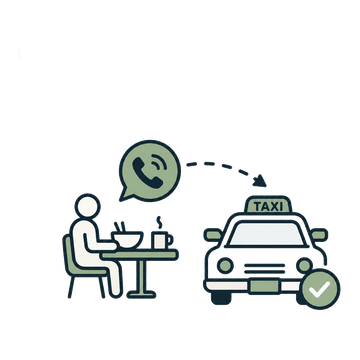
Call a taxi
Take taxi requests after the meal. Diners can add their destination as a note.
₩1,500/moSet it up your way
Extra sauce
Table number shown automatically
Instant alert to owner & staff phones
Takeout / to-go
Write your own takeout guidance
Request button in each diner's language

Fewer missed requests
Orders and requests are taken automatically even during the rush.
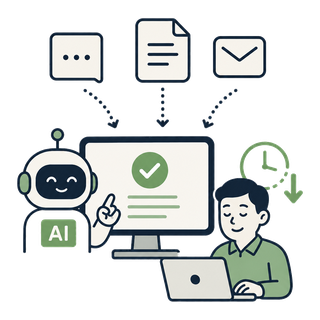
Less staff work
Requests are taken automatically — no gestures or shouting.
Easy for foreign diners
Every request screen shows in the diner's own language automatically.
Build the MarketMate that fits your restaurant
Turn on only the features you need and mirror exactly how you run your place.
Start your 14-day free trialStart at the scale that fits your place
Small restaurants and cafés start right away, franchises and chains scale up as needed.
Free Trial
Free
Try every core feature of MarketMate free for 14 days.
- ✓Everything in Starter
- ✓Free for 14 days
- ✓No card needed to sign up
- ✓Set up from a menu photo
Starter
₩9,900 / store / month
Automate foreign-diner menu replies and repeat questions with AI.
- ✓Menu/table QR
- ✓Multilingual menu (100+ languages)
- ✓Multilingual AI menu replies
- ✓Allergen & dietary info
- ✓Menu photos, spice level & how-to-eat
- ✓Table ordering · options (less spicy, to-go)
- ✓Live staff interpreter (voice)
- ✓Menu management · photo/Excel auto-register
- ✓Auto-learning menu
- ✓Staff FAQ (multilingual)
- ✓Unified inbox (orders · requests · questions)
- ✓Order confirmed → shown on the diner's screen
- ✓Owner & staff phone alerts (push)
- ✓Store info & notices (auto-translated)
- ✓Social share event
- ✓Question log · analytics
+ 11 more features
- ✓Table ordering · options (less spicy, to-go)
- ✓Live staff interpreter (voice)
- ✓Menu management · photo/Excel auto-register
- ✓Auto-learning menu
- ✓Staff FAQ (multilingual)
- ✓Unified inbox (orders · requests · questions)
- ✓Order confirmed → shown on the diner's screen
- ✓Owner & staff phone alerts (push)
- ✓Store info & notices (auto-translated)
- ✓Social share event
- ✓Question log · analytics
📷 Just snap the menu — we register it automatically
Upload a menu photo or spreadsheet, and AI reads the dishes and prices and estimates allergens. You just confirm.
Enterprise
Contact us
A dedicated integration and custom build plan for multi-store franchises and chains. (Monthly subscription + separate setup & training fee)
- ✓Everything in Starter
- ✓Multi-store management
- ✓Bulk multilingual menu management
- ✓POS integration
- ✓A customized version for your brand
- ✓Staff role management
- ✓API access
- ✓Setup & staff training
- ✓SLA support
- ✓Custom build support
- ✓Advanced reports & analytics
- ✓Branded QR customization
+ 7 more features
- ✓Staff role management
- ✓API access
- ✓Setup & staff training
- ✓SLA support
- ✓Custom build support
- ✓Advanced reports & analytics
- ✓Branded QR customization
Many stores, managed as one
From HQ, manage every store's menu, allergens, and multilingual guidance in bulk, with per-store QR and operations in one place.
Service requests like extra sauce, phone charging, takeout, and calling a taxi can be turned on as add-ons for ₩1,500/month each. Franchises and chains with many stores get custom pricing through a separate contract.
FAQ
Multilingual QR code menus, explained
How do I make a multilingual restaurant menu?
+
Upload a photo or spreadsheet of your menu. AI reads the dishes and prices, drafts your menu and flags likely allergens. Once you confirm and print the table QR code, diners can read your menu and ask questions in their own language.
How does AI answer diners' menu questions?
+
It only uses the menu information you registered — it never invents dishes, prices or ingredients. Prices stay as written and original dish names are shown alongside, so diners can order as is. Anything the AI can't answer is passed to your staff.
Can I trust the allergen information?
+
Only registered allergens are shown. When there's no information, diners are told to check with staff — it never claims a dish is "safe". You can mark 21 allergens, including fish and sesame.
Can diners order through the QR code menu?
+
Yes. Diners send dishes, quantities and options (less spicy, to-go), and your counter and staff phones get an alert. Payment stays at your counter, and your current POS doesn't change.
Which languages are supported?
+
Diners can read the menu and ask in 100+ languages, including English, Chinese, Japanese and Korean. Their language is detected automatically from the phone.
How much does it cost?
+
₩9,900 per store per month (excl. VAT), regardless of table count. The 14-day free trial starts without a card.